Capture
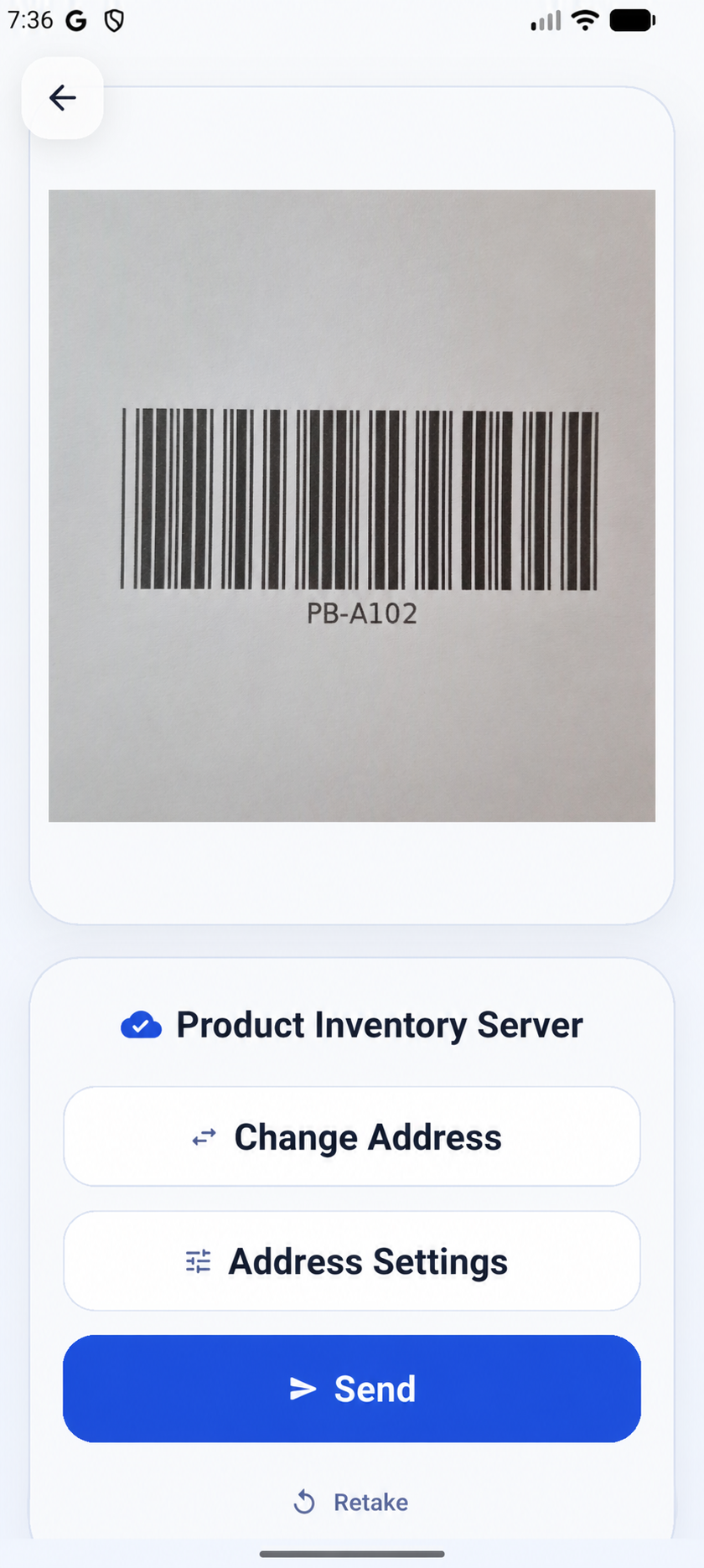
Users take or select a photo from a mobile workflow designed for quick field use.
Camera-to-API client for mobile teams
Capture a photo, send it to your own API, and turn selected JSON fields into a mobile-friendly result view.
Screenshot 1 of 6
Problem
Many teams already have an image API, but still need a simple way to capture photos, send requests, and review results from a phone.
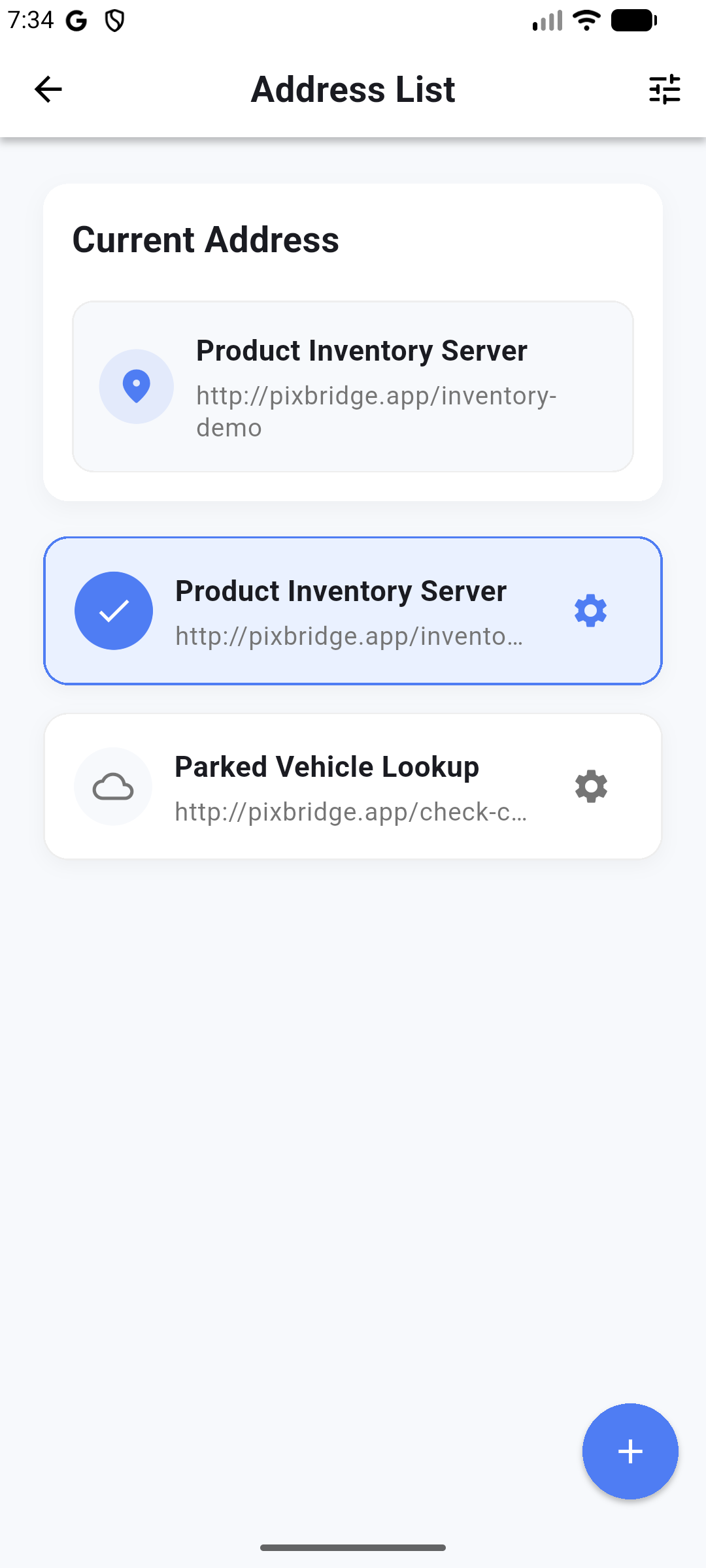
PixBridge keeps that loop focused: camera input, API delivery, and readable response fields without tying teams to a specific backend.
How it works
Users take or select a photo from a mobile workflow designed for quick field use.
The image is sent to your configured server API endpoint using your integration rules.
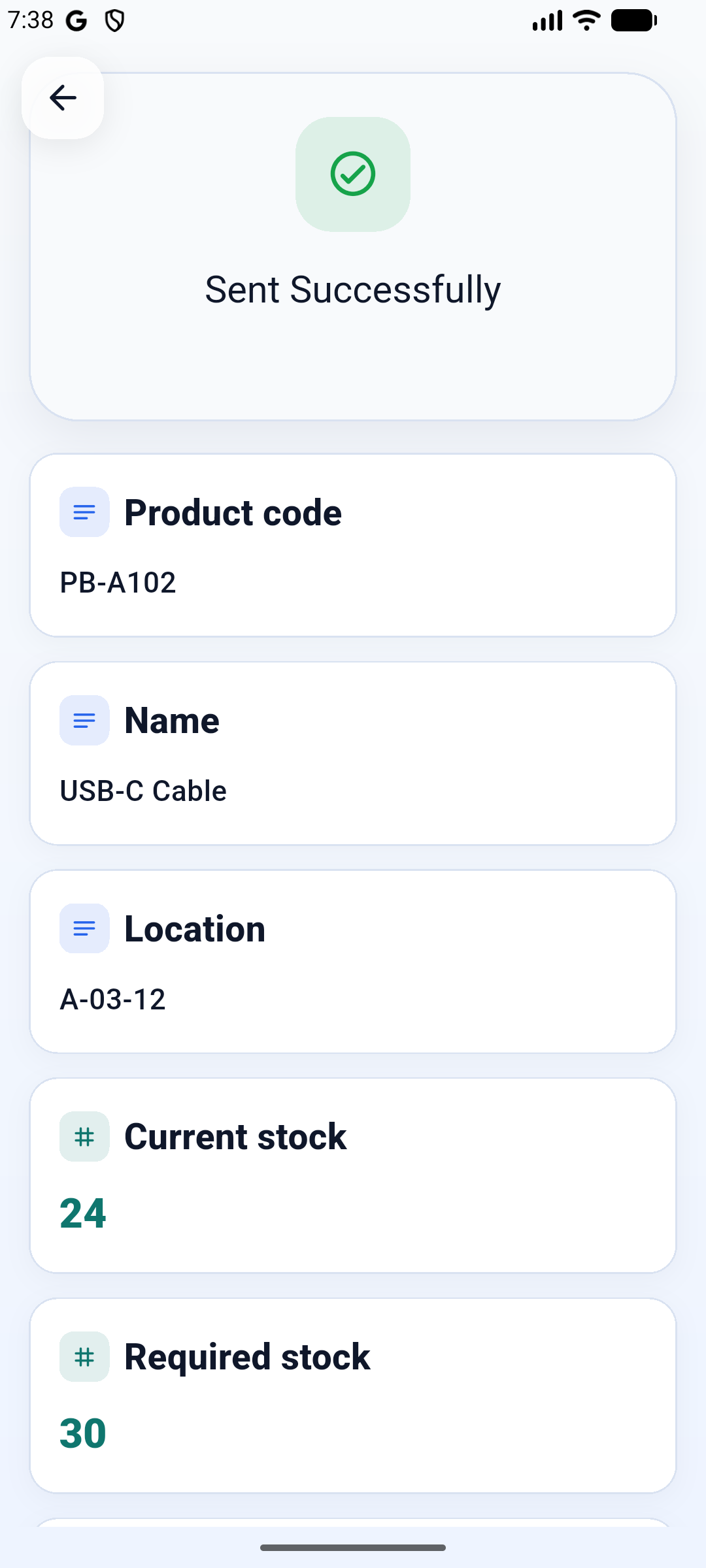
Selected JSON fields are mapped into a readable result view for review and daily operations.
Use cases
PixBridge supports practical workflows where teams need to capture photos in the field and check structured server results quickly.
Capture product, equipment, or site photos and review API-detected status fields.
Send receipts, forms, labels, or IDs to your own extraction pipeline.
Validate image classification, OCR, or detection services from a mobile client before building a custom app.
Give internal users a lightweight capture tool for structured server response checks.
Features
Designed around fast photo capture and clear response review on small screens.
Connect to an API you operate. PixBridge does not require a proprietary image backend.
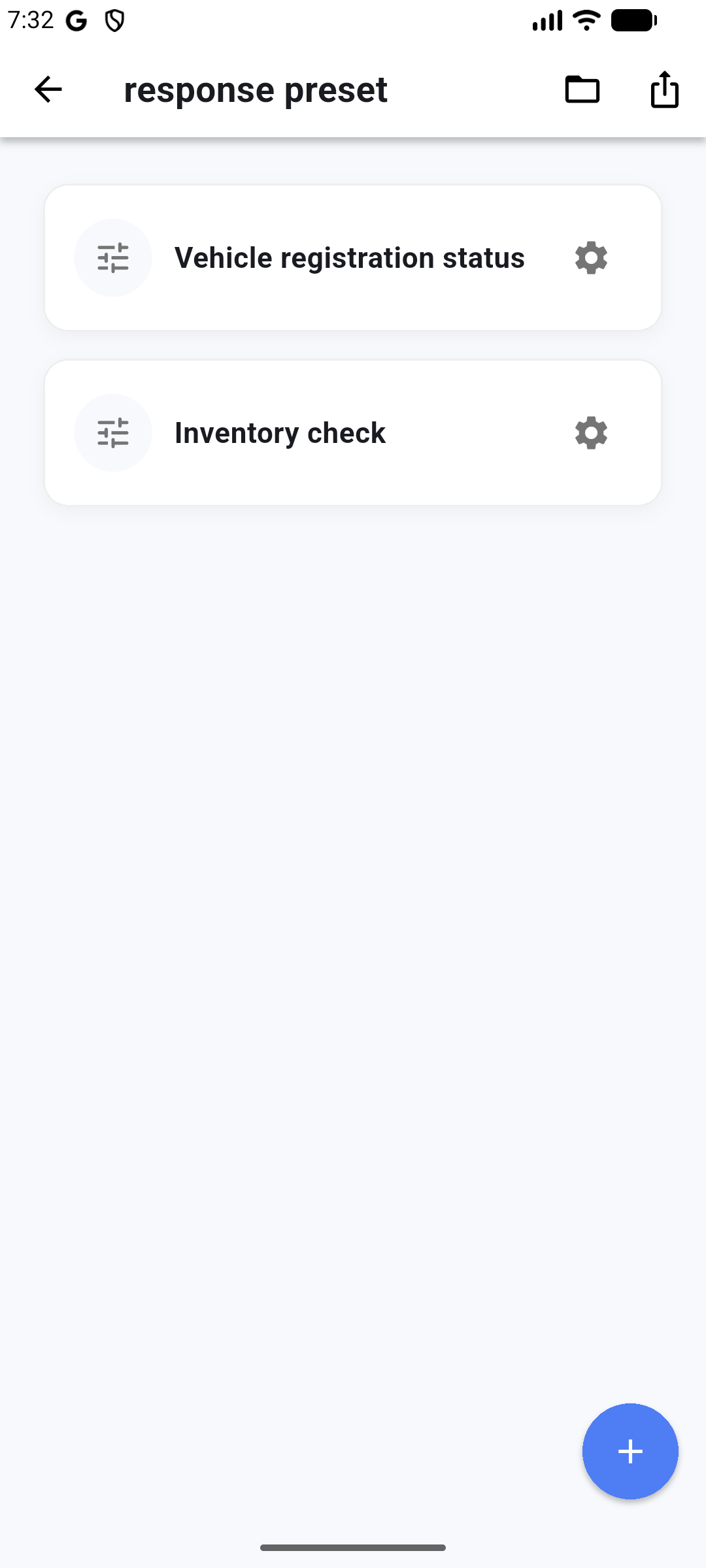
Pick the JSON fields that matter and show them clearly in the app.
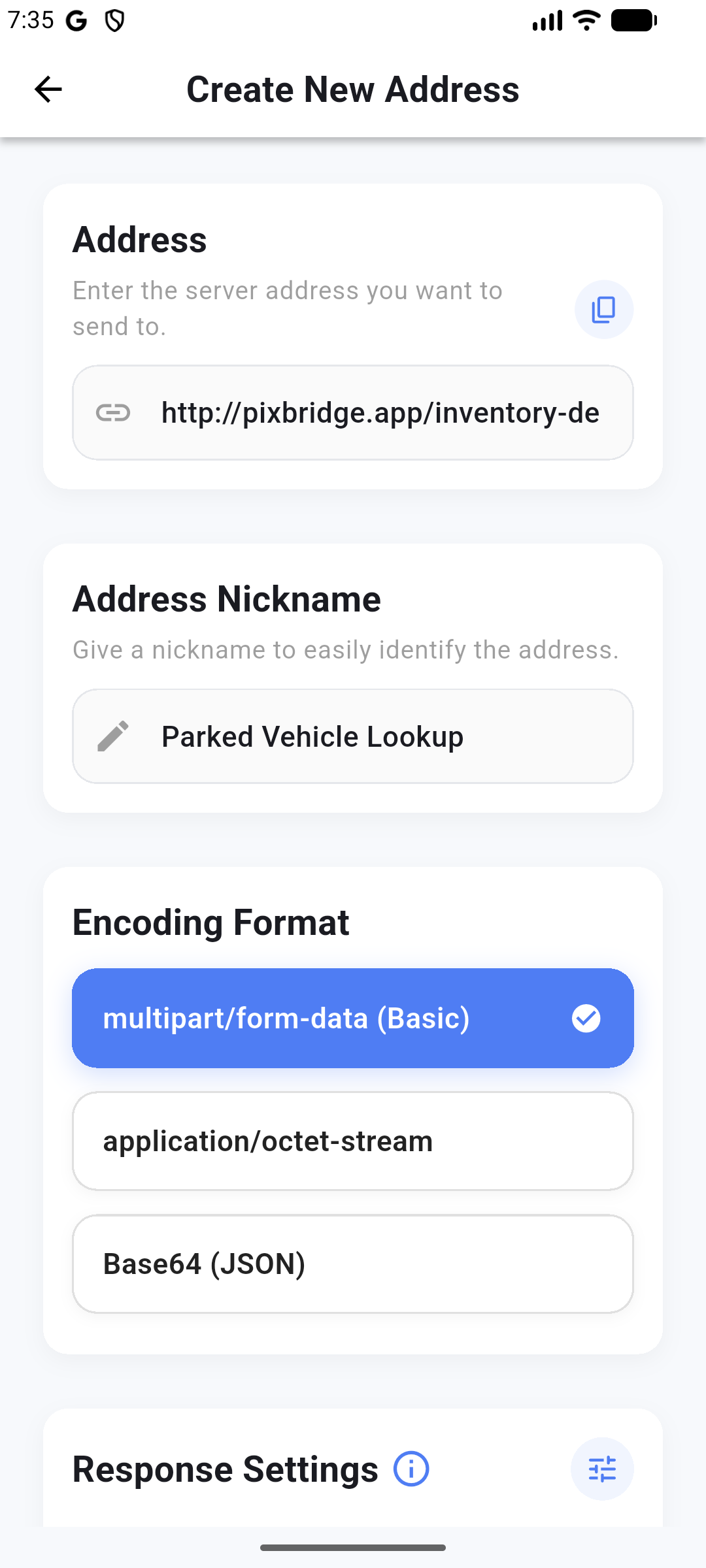
Prepare endpoint, image field, encoding, and auth options for your own API.
Save reusable response display settings for repeated workflows.
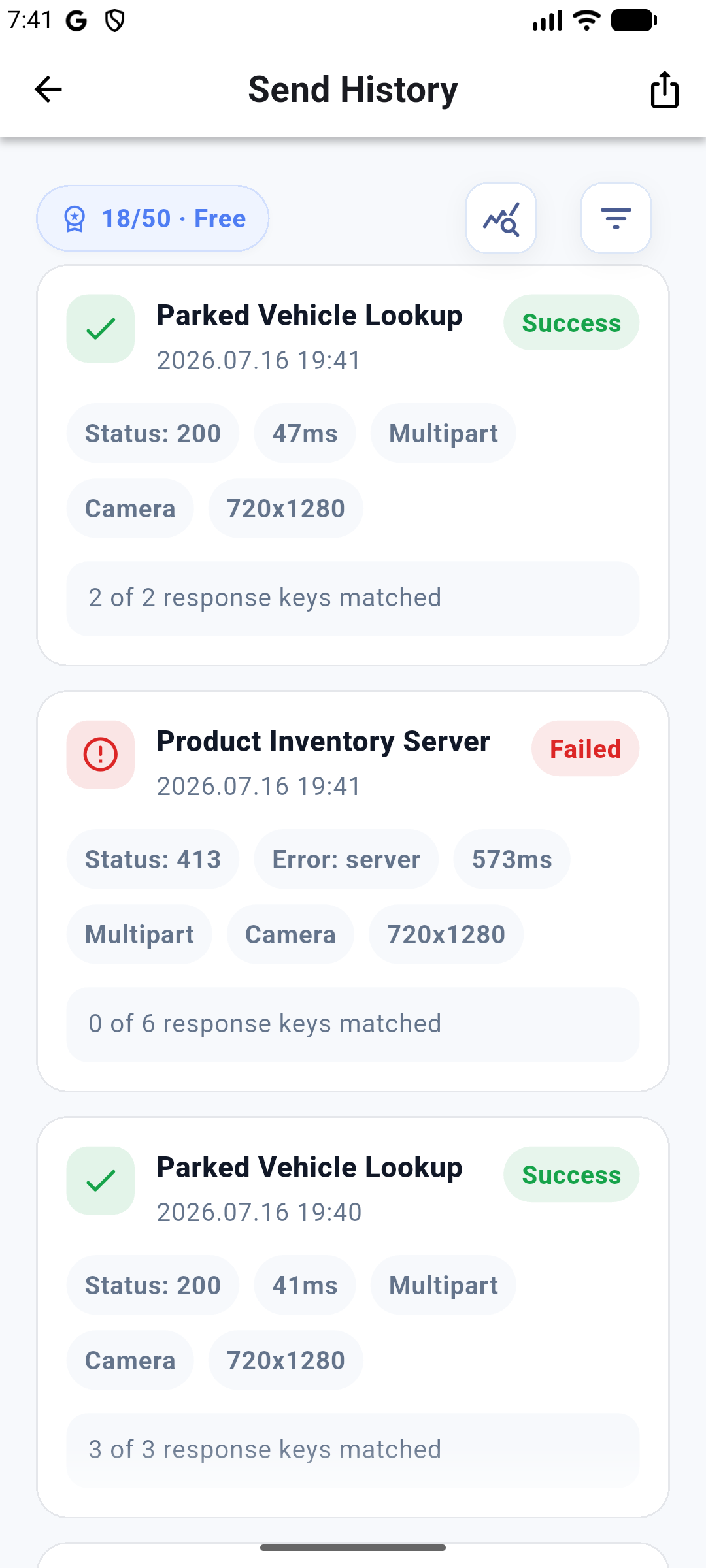
Review status, response size, and key match results after each send.
Examples
The examples repository includes response setting preset files and a minimal FastAPI image upload server.
{
  "schema": "pix_bridge_response_presets",
  "version": 1,
  "presets": [
    {
      "presetNickname": "Inspection Summary",
      "responsePreset": [
        {
          "responseKeyNickname": "Result",
          "responseKeyTitle": "result",
          "runtimeType": "string"
        },
        {
          "responseKeyNickname": "Confidence",
          "responseKeyTitle": "confidence",
          "runtimeType": "double"
        }
      ]
    }
  ]
}
from fastapi import FastAPI, UploadFile, File
app = FastAPI()
@app.post("/analyze")
async def analyze(image: UploadFile = File(...)):
return {
"result": "ready",
"confidence": 0.97,
"summary": "Sample response"
}Download
Join the Google Group using the access link below, then download the test version directly from the Play Store.